
Wiki | Nexus | Download | Wabbajack Discord | Jackify Issues | Ko-fi
Jackify - User Guide
New to Jackify? Read our Home to understand what Jackify is and why it exists.
Jackify automates the installation, configuration, and Steam integration of Wabbajack modlists on Linux and Steam Deck. Use the guides below for your scenario.
IMPORTANT: Most modlists are not officially supported on Linux. Do not contact the modlist author for support unless they explicitly support Linux. For Linux-specific help, use the #unofficial-linux-help channel on the Wabbajack Discord.
Installation Guides
| Guide | When to use |
|---|---|
| Installing a Modlist with Jackify | Recommended for most users — install and configure modlists with Jackify |
| Installing a Modlist with Wabbajack | Alternative route using Wabbajack under Proton |
Configuration Guides
| Guide | When to use |
|---|---|
| Configure New Modlist | Modlist installed by another method, needs Steam integration |
| Configure Existing Modlist | Modlist already in Steam, needs reconfiguring |
Additional Tools
| Guide | When to use |
|---|---|
| Installing Additional Tools | Installing GE-Proton, Protontricks |
Launching Jackify
- See the Install guide for more detailed guidance.
GUI mode (default — double-click the AppImage, or run):
./Jackify.AppImage
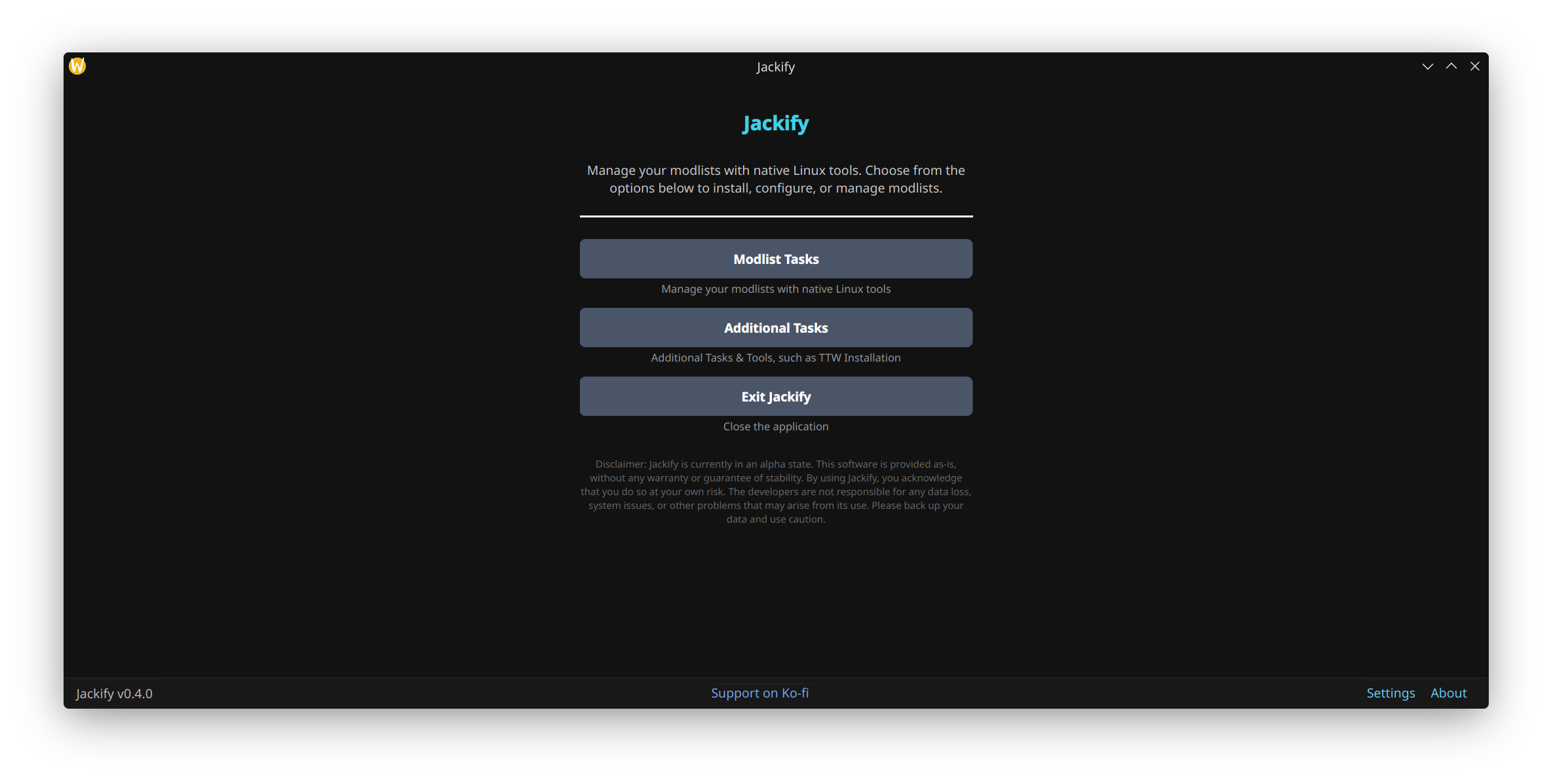
Screenshot: Jackify main window
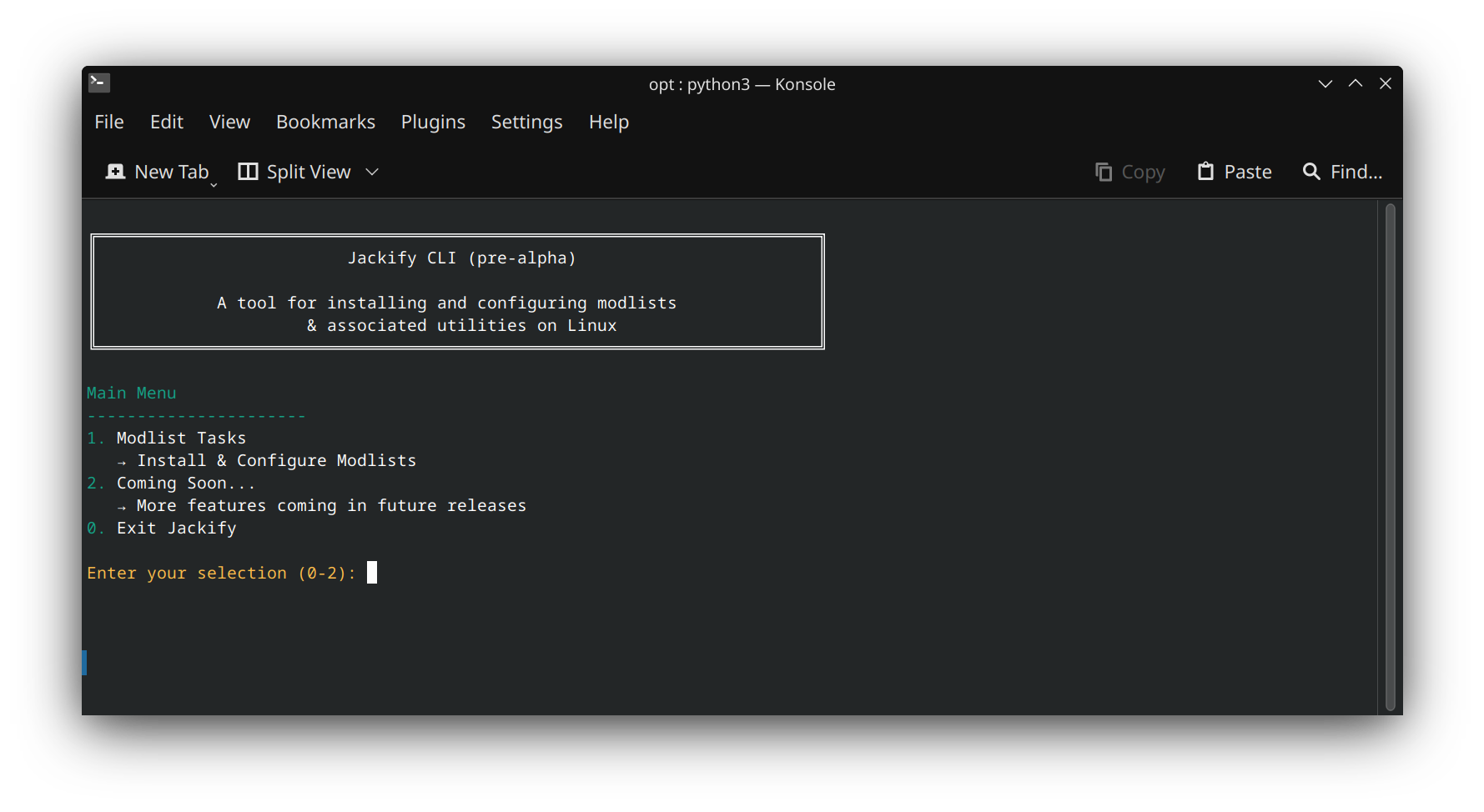
CLI mode (text-based interface, same functionality):
./Jackify.AppImage --cli
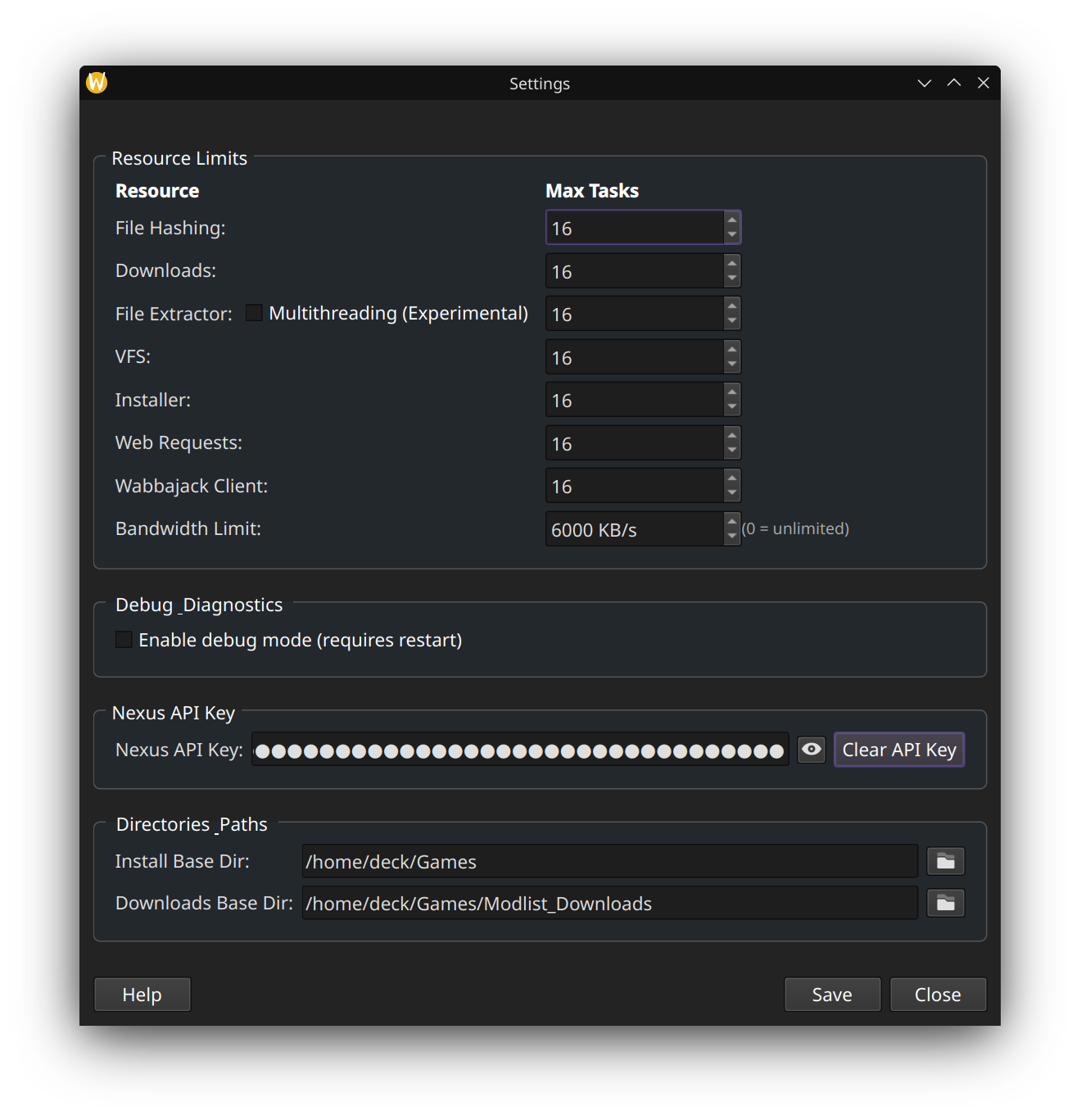
Settings
The GUI Settings menu allows you to configure:
- Resource Limits: Threads available for downloads and installation
- Debug Mode: Enable detailed logging for support purposes
- Nexus API Key: Set or clear the stored API key
- Default Directories: Pre-fill install and download paths for future installs
Getting Help
Logs: Jackify writes logs to ~/Jackify/logs/ — check these first when something goes wrong.
Community: #unofficial-linux-help on the Wabbajack Discord.
Bugs and feature requests: GitHub Issues.